Changelog

Follow new updates and improvements to octoja GmbH.

octoja v1.0.3608 — alerts, reports and remote support
Highlights

Manage access, monitoring, reports and automations with finer controls, including network restrictions, bulk custom fields and direct software removal. Build custom checks visually, improve remote support and monitor more storage and power systems.

New

Access and device management

  • Managed browser extensions — Deploy Chrome, Edge and Firefox extensions on Windows, macOS and Linux through an automation, including imports from a validated spreadsheet.
  • Access restricted by network — Limit invitation onboarding, interactive sessions, the web console and MCP clients to approved IPv4 or IPv6 addresses and networks.
  • Automatic monitoring for discovered devices — Assign compatible monitoring profiles automatically to supported network devices after discovery.
  • Bulk custom-field updates — Set one custom field on multiple selected devices in a single operation.
  • Uninstall software from device inventory — Remove inventoried Windows software directly from a device's Software tab without writing a script.
  • Matching patch policies from a device — Open the patch policies and rings that apply to a device directly from its device view.

Remote support

  • Reusable remote-support technician names — Define a technician-name template once for remote-support consent prompts while retaining optional names for individual users.

Reports and automation

  • Network devices report widget — Add a filtered table of network devices and their status details to reports.
  • Custom fields in report tables — Choose customer- or device-level data as columns and use those values to narrow results.
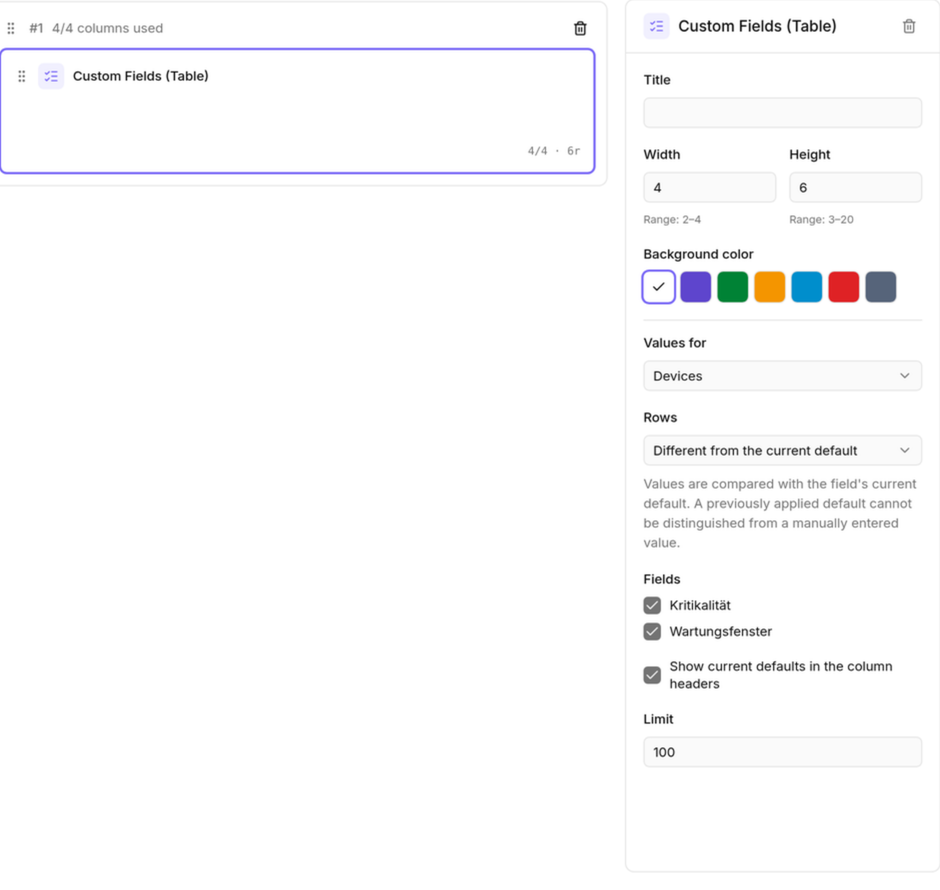
    Custom fields in report tables
  • Combined PDF delivery for scheduled reports — Send every selected report in one ordered PDF.
  • Structured prompts in automations — Request responses in a defined data format instead of relying only on free-form text.
  • Markdown custom fields — Store longer formatted content in custom fields and use it throughout octoja and in reports.

Integrations and alerts

  • c-entron Service Board request assignments — Choose a department and technician when creating c-entron Service Board requests from octoja.
  • UniFi Fabrics per customer — Optionally store a separate UniFi Site Manager API key for each customer and map its controllers to customer sites.
  • Alert configuration overview and recovery — Review configurations, their usage and all active alarms centrally, then send recovery notifications for selected alarms.
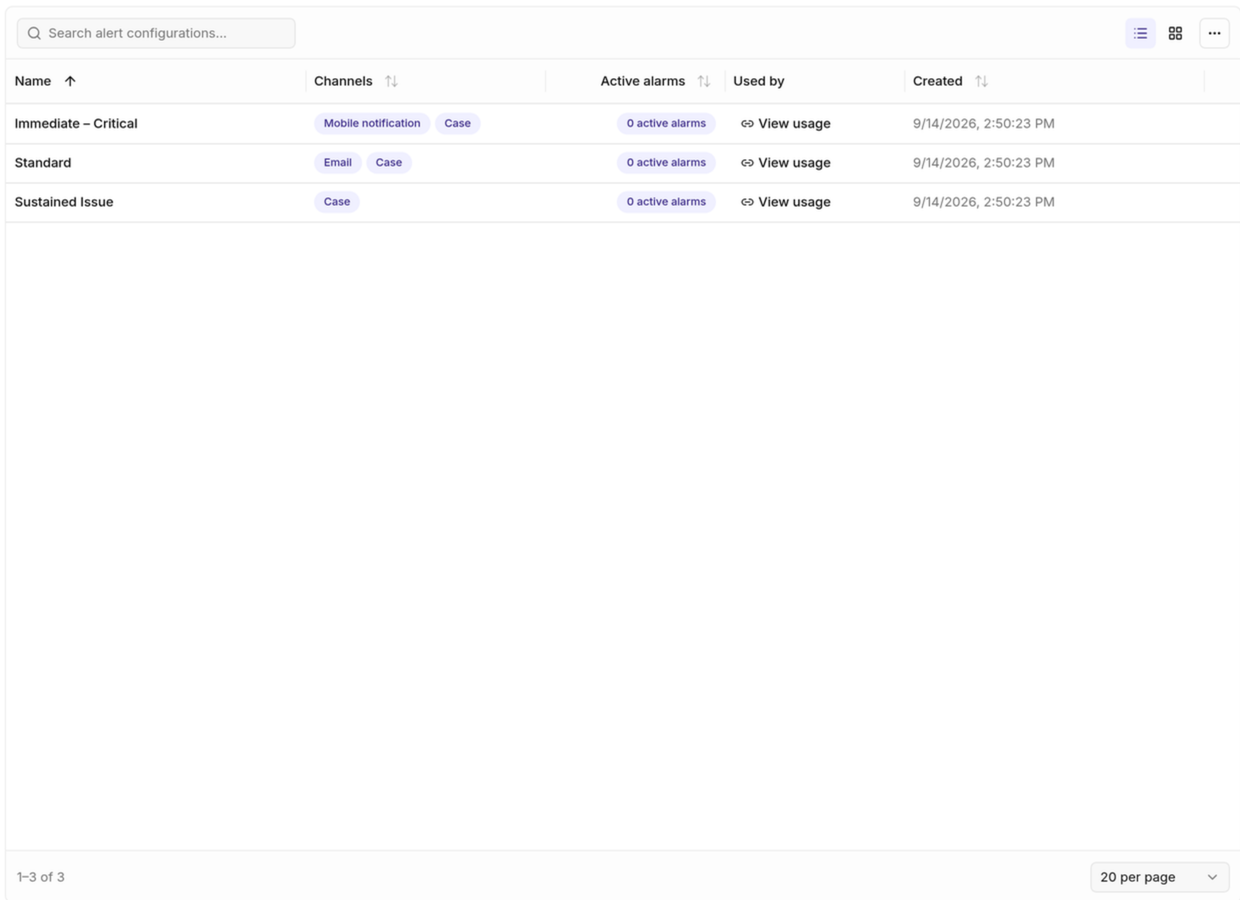
    Alert configuration overview and recovery

Custom-check authoring

  • Visual custom-check result builder — Assemble result text from configurable blocks instead of editing a complete template by hand.
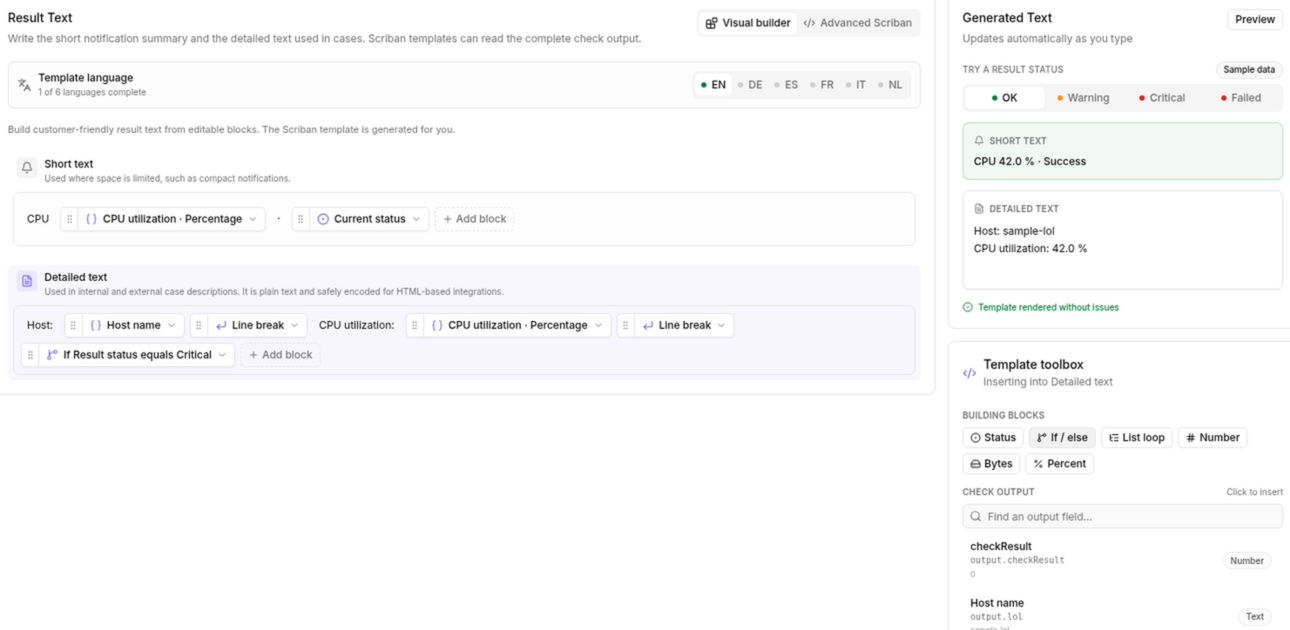
    Visual custom-check result builder
  • Formula studio for custom checks — Build formulas for result layouts and preview their output while you work.
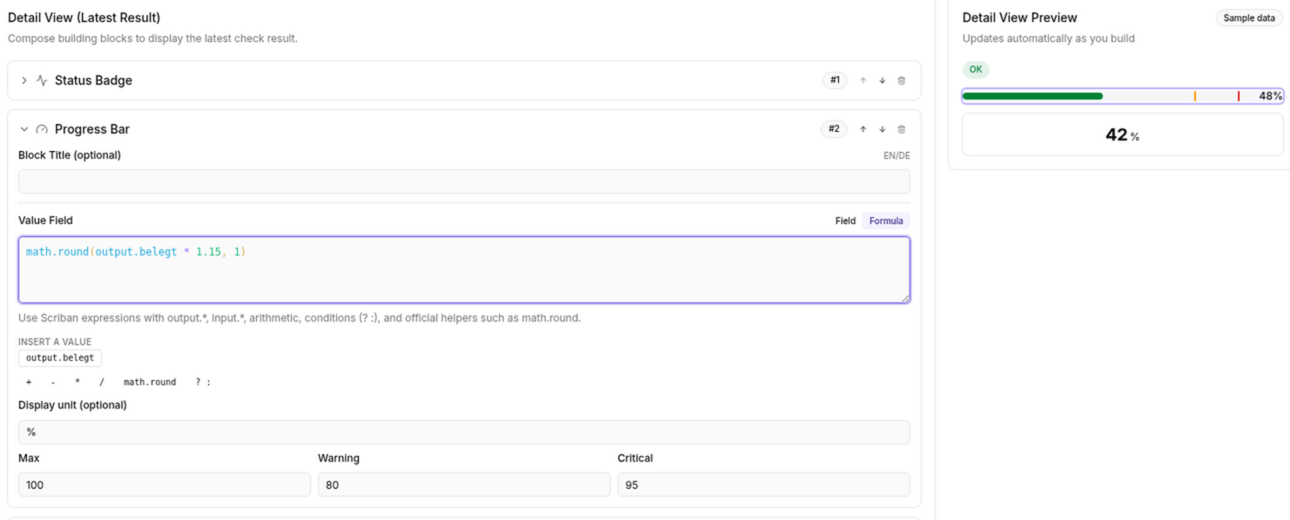
    Formula studio for custom checks

Improved

Devices and configuration

  • Run assigned automations from a device — Start an automation already assigned to a device directly from that device.
  • Open devices from check overrides — Jump directly from an override to the affected device.
  • Clearer configuration package contents and schedules — Choose which modules a new package contains, see software deployment schedules and retain filters in the page URL.
  • Active Directory account status and filters — See and filter enabled, disabled, locked and expired accounts.

Patches and monitoring

  • More patch and automation controls for MCP clients — Authorized clients can read patch policies and cycles, and update or delete automations as well as create them.
  • Configurable Dell and Wortmann warranty alerts — Choose when expiring Dell and Wortmann warranties trigger warnings.
  • Ignore unregistered 3CX extensions — Exclude extensions that are intentionally unregistered from warnings.
  • Safer patch-policy maintenance and reuse — Control automatic maintenance per policy and copy an existing policy when creating another.

Automation and daily work

  • Move agent dialogs out of the way — Drag message, QuickSupport and macOS permission dialogs aside when they cover other work.
  • Formatted end-user notifications — Format automation notifications with Markdown and review sent messages in the device log.
  • Complete integration history — Search, filter and export the full history across supported providers.
  • Shared saved automations for scoped technicians — Let technicians run visible shared automations for the customers they are permitted to manage.
  • TV counters follow active filters — See counters that match the alarm filters currently selected on the TV view.
  • Dedicated navigation for network scans — Open network scans from a dedicated customer navigation entry, governed by its own permission.
  • Customer reference numbers in automations — Use a customer's reference number as an automation input.
  • Direct tag actions in automations — Choose Add tag or Remove tag directly instead of building a conditional workaround.

Reports, setup and security

  • Originating devices in delivery history — See which device produced each notification or alarm delivery.
  • Customer details in backup reports — Group results by customer and choose how customer identity appears.
  • Authenticator recovery with mandatory 2FA — Reset an authenticator enrollment without temporarily turning off mandatory two-factor authentication.
  • Automatic Windows prerequisites during agent setup — Install a missing supported .NET Framework automatically, with the deployment page explaining what setup provides.
  • Event-driven storage inventory — Refresh storage details when devices report changes instead of waiting only for the next scheduled collection.

Editors and remote access

  • Clearer custom-check layouts and result text — Insert result values into layouts and edit result text in a dedicated workspace.
  • Structured editor for nested rule conditions — Alternatives, AND conditions and multi-value inputs are grouped visually, making complex rules easier to scan and change.
  • Remote-support permissions during Mac onboarding — New Macs can grant remote-support permissions during setup, and users can reopen permission setup from the agent menu.
  • File Explorer limited to active remote sessions — Require an active remote-desktop session before a user can open a device's remote File Explorer.
  • Fit remote desktop to the remote screen — Resize the remote-desktop window to the remote screen's native size without changing its resolution.

Fixed

Software and notifications

  • Custom software versions resolve reliably — Custom software deployments now find the selected package version reliably.
  • Notifications recover after restarts — Pending notifications resume automatically after a service restart.
  • Monitoring continues through refresh failures — Agents keep their existing monitoring checks running when a temporary connection problem prevents an assignment refresh.
  • Safer automation targeting — Invalid targeting rules no longer silently expand an automation from selected devices to a wider fleet.
  • Safer user-account automations — Names and passwords containing typographic quotes are now handled correctly.
  • Reliable service-start automations — Starting an already running macOS service no longer restarts it, and Linux start failures are reported correctly.

Integrations and access

  • Clean TANSS inventory after reinstalls — Stale device components no longer remain active in TANSS after an agent reinstall.
  • Realtime feedback follows your language — Wake-on-LAN and other live action messages now use the language selected in the interface.
  • Entra sign-in recovers after session expiry — Sign in again after an Entra Conditional Access session expires instead of being unable to continue.

Device health

  • Wake-on-LAN handles multiple addresses — Wake devices whose network adapters report more than one IPv4 address.
  • Defender health reflects active protection — Inactive Microsoft Defender is no longer shown as healthy.
  • Healthy Linux agents stay running — Timed-out status checks no longer restart healthy agents or interrupt long-running inventory work.
  • International keyboard input in remote desktop — Dead keys, accents and AltGr characters now work reliably across keyboard layouts in Windows remote-desktop sessions.
  • Compatible checks for network devices — The check picker now offers only checks supported by every monitoring agent that could run them.
  • Accurate protection coverage in reports — Antivirus and backup reports now count all supported protection checks, so protected devices no longer appear uncovered.

Checks

Check updates are rolled out separately from the octoja release. A new or changed check reaches your devices once that check itself is published, not with this update.

Storage and cluster monitoring

  • Three new Ceph checks — Monitor cluster health and quorum, storage capacity and performance, and the health of monitor, manager, OSD, metadata and gateway services.

New appliance checks

  • Generex UPS monitoring — Monitor UPS state, load, battery capacity, runtime, temperature and active alarms.
  • NetApp ONTAP monitoring — Monitor storage capacity, hardware health, I/O performance and protection jobs through SNMP.
NewImprovedFixed

octoja v1.0.3121 — Network scan, QuickSupport and AI remote support

Highlights

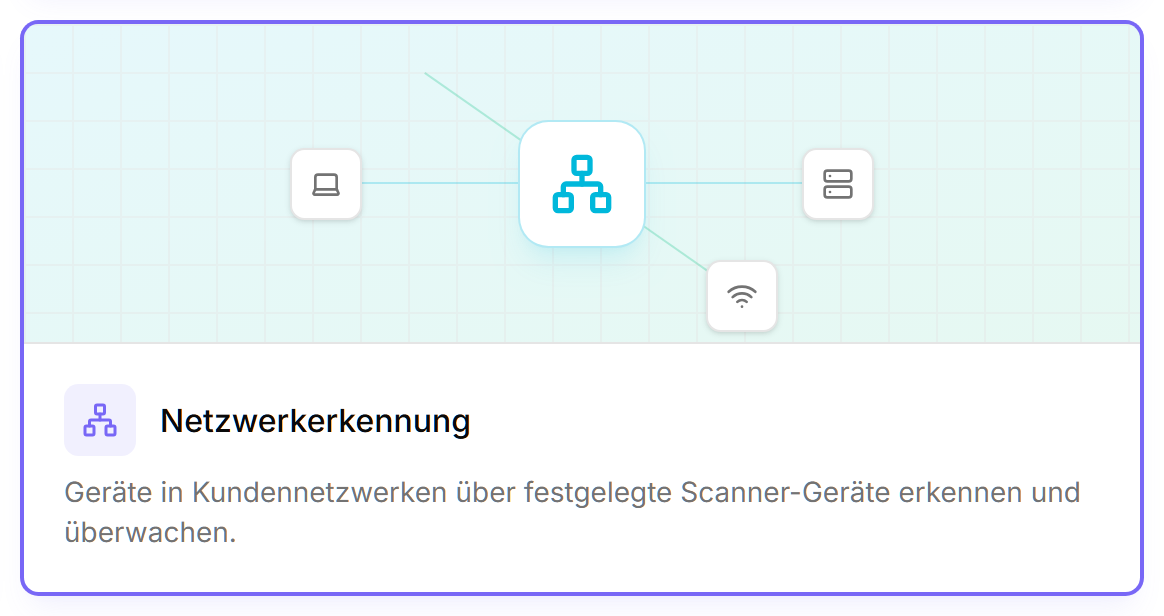
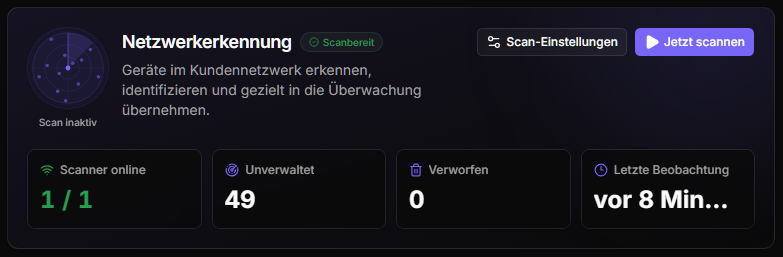
  • Network scan (Beta) — Discover devices on the network automatically and take them straight under monitoring.
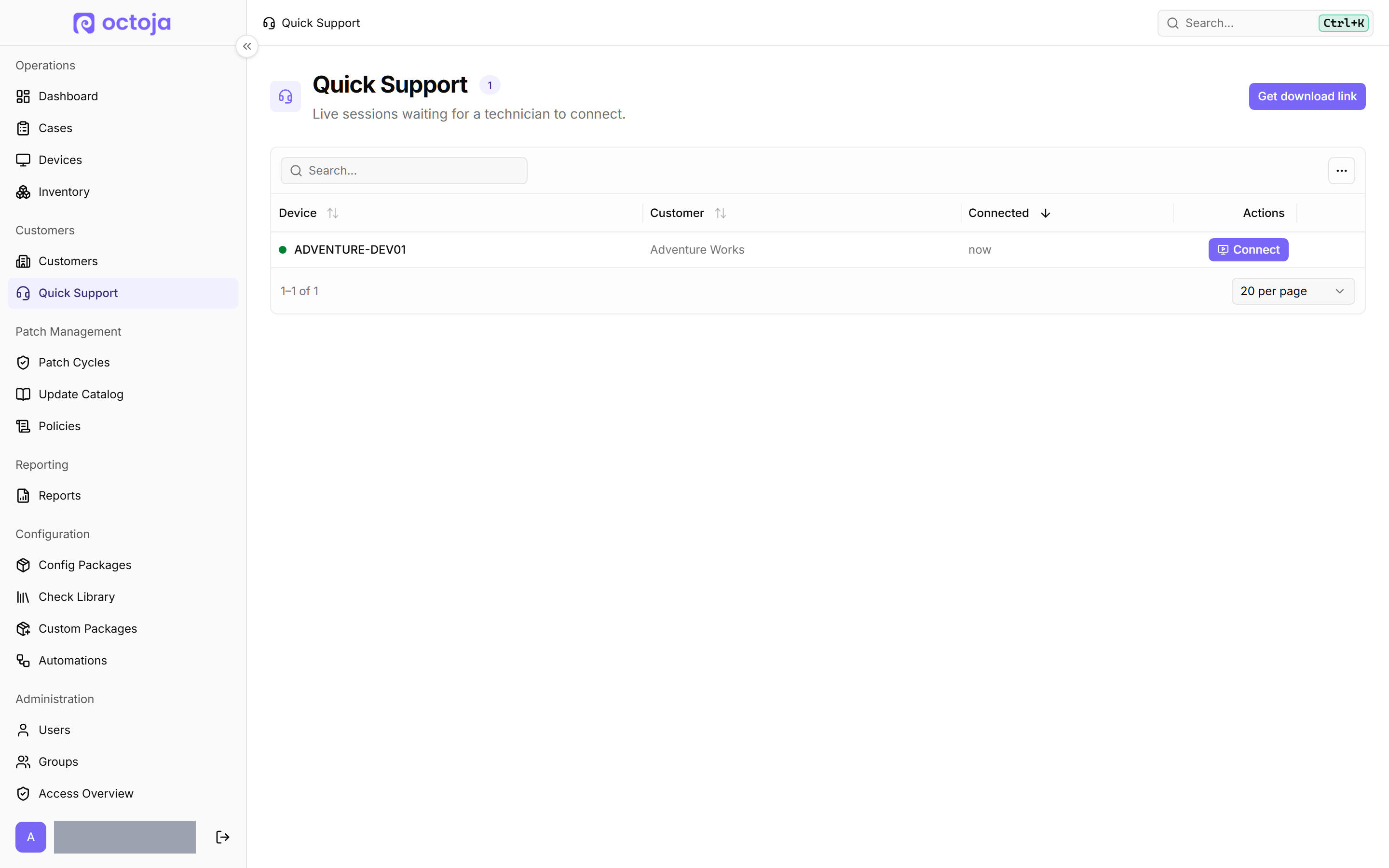
  • QuickSupport (Beta) — Support customers through a download link – no agent installation, and only after their consent.
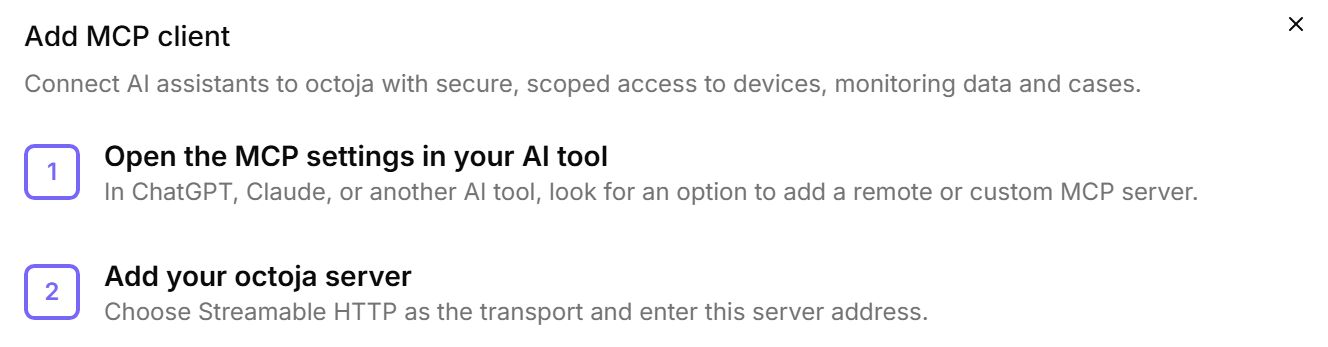
  • AI assistants over MCP — Operate a remote desktop with your consent, edit devices and customers and create custom SNMP checks – within your permissions.
  • Acknowledgeable checks — Temporarily silence known warnings and critical states with a reason while monitoring keeps running.
  • Enforce SSO & two-factor authentication — Require SSO sign-in or an authenticator for every user, plus Italian and Spanish for the web interface, agent and e-mails.
  • Better reports & testable automations — New patch status and software change reports, flexible recipients, and automations you duplicate and test step by step.

New

Settings & access

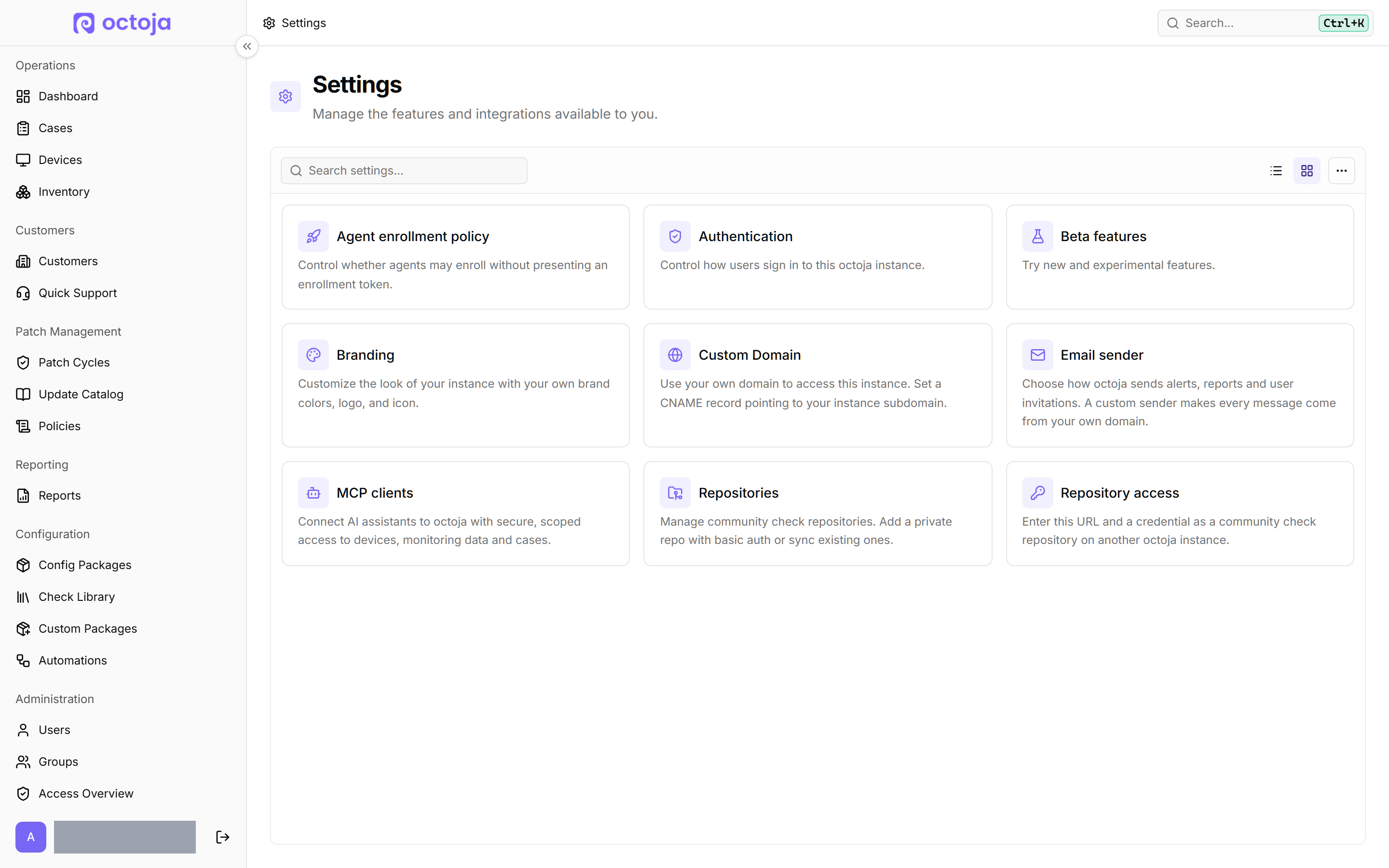
  • Central settings — Administration → Settings now also holds custom domain, email sender, agent enrollment and branding next to authentication, beta features, MCP clients and repositories – one searchable area.
    Central settings
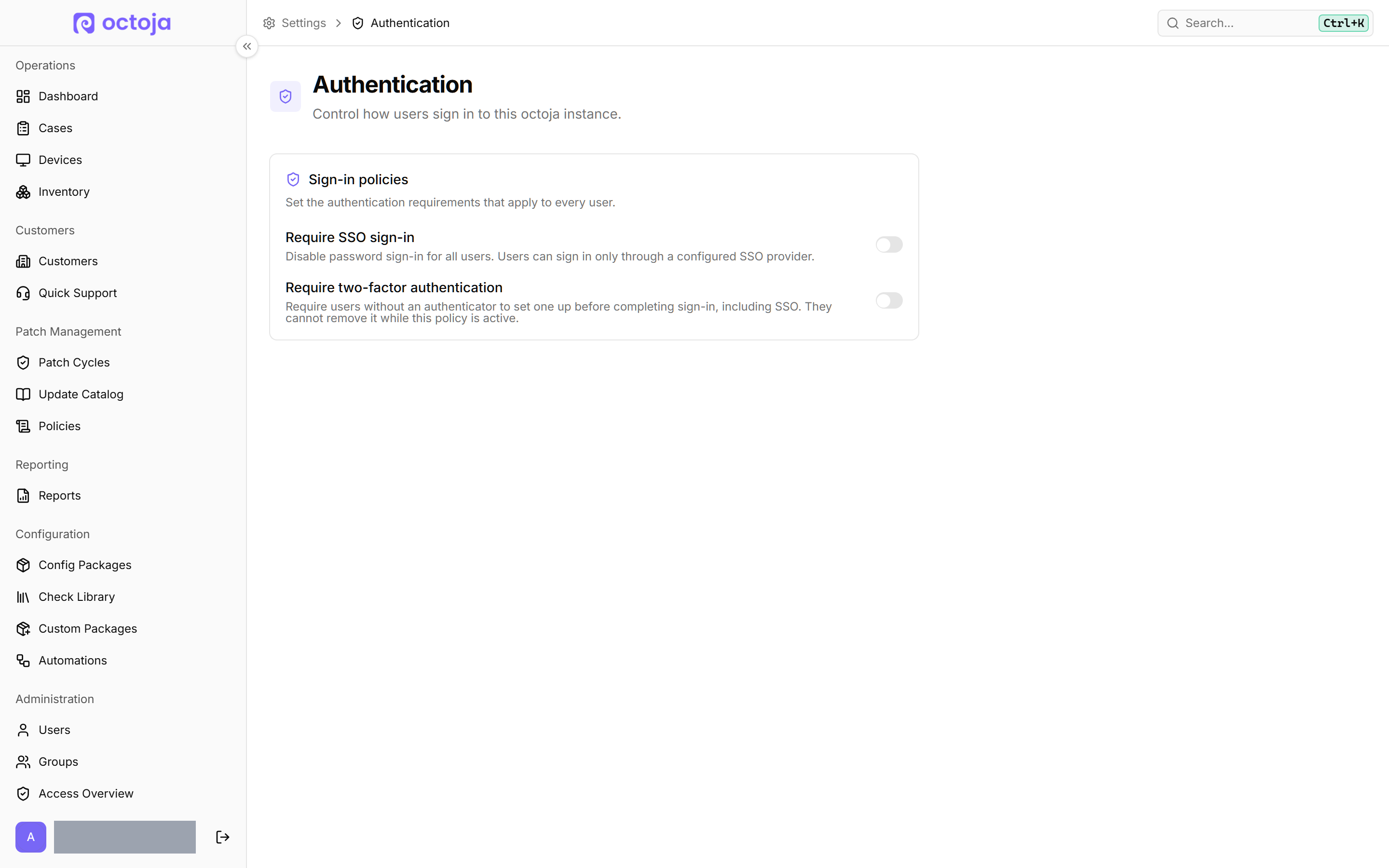
  • SSO & two-factor authentication — SSO sign-in or setting up an authenticator can be required for every user – SSO users included.
    SSO & two-factor authentication
  • Support platform access — The Support platform switch is also offered in the invite dialog and is enforced server-side.
  • Italian & Spanish — New languages for the web interface, agent window and e-mails. A language chosen through Ctrl+K is saved to your profile.

AI assistants

  • Remote desktop over MCP — Assistants can operate screen, mouse and keyboard – after your Control remote computers consent and within your remote desktop permissions.
  • Configuration & checks — Assistants can edit devices, aliases, customers and custom fields, and create SNMP checks with a live test. Permissions and auditing match the web interface.

Monitoring & rules

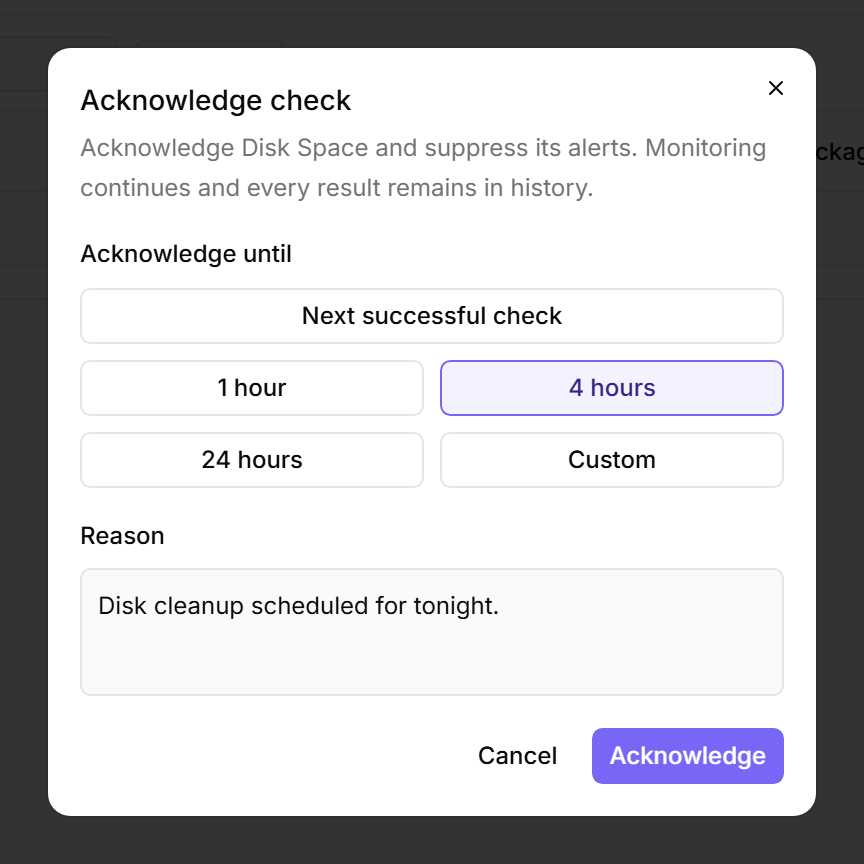
  • Acknowledge checks — Warnings and critical states can be acknowledged via Acknowledge on the device's Checks tab, with a reason, until the next success or for a chosen period. The check keeps running; alerts, cases and dashboard counts are suppressed.
    Acknowledge checks
  • Dashboard check filter — The dashboard can be filtered by Check names.
  • More rule conditions — One condition holds several values with Add value, and rules can target Server role or feature from your inventory.
  • Custom fields — Multi-select is its own field type, and custom-field tokens in check inputs appear as linked fields with label and source.

Automation & remote support

  • Involve the user — The Send notification dialog on a device can request a Yes/No/Cancel answer or a written reply and shows what the user picked; later automation steps branch on that answer.
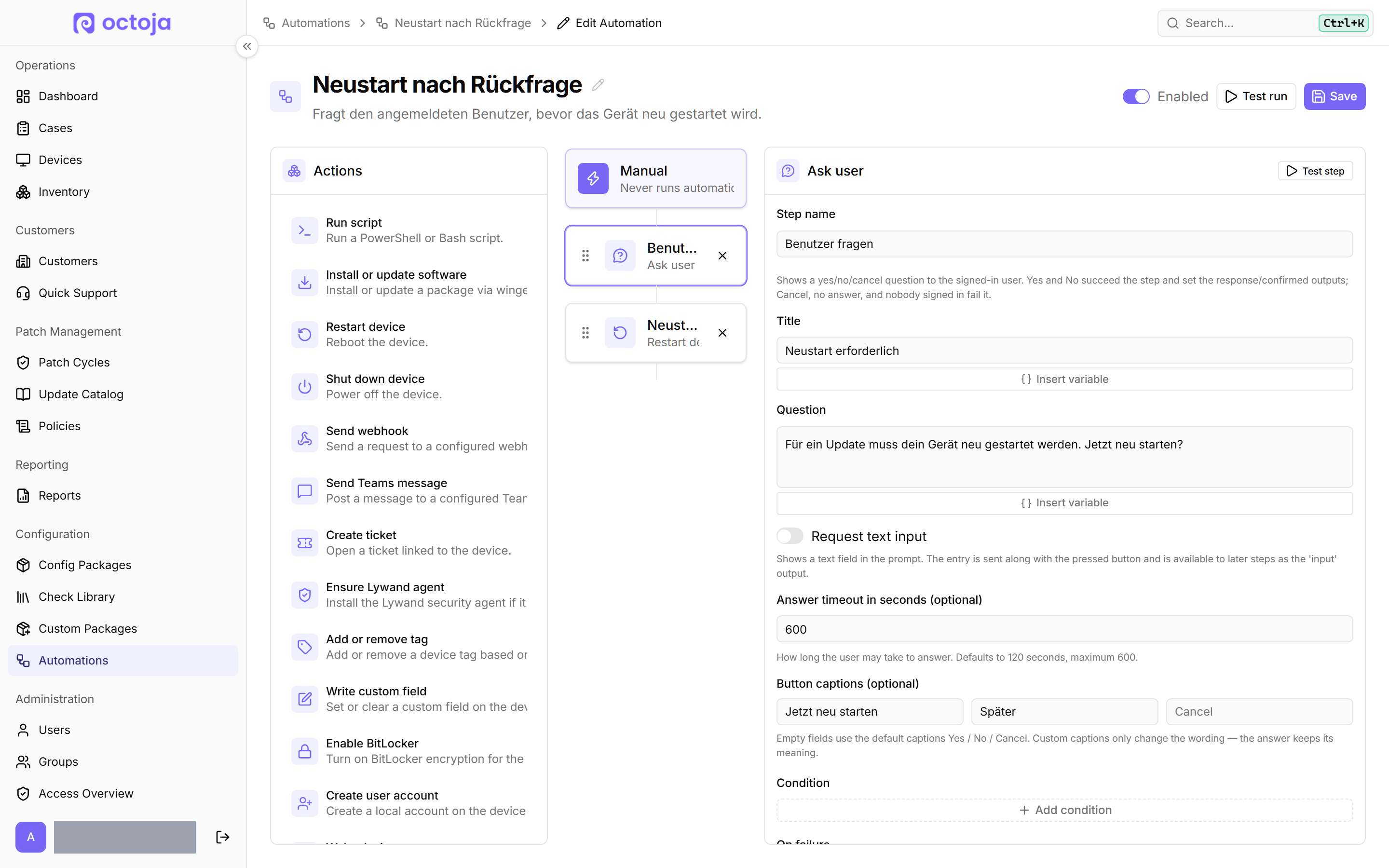
  • Easier to build & test — Automations can be duplicated and individual steps tested on a device. New conditions check device tags and chassis type.
    Easier to build & test
  • Terminal as a user — The Toolbox terminal picker lists Logged-in users next to SYSTEM / root; the shell runs in that user's profile on Windows and macOS.
  • Remote desktop — Ctrl+Shift+X types the clipboard (also on login and UAC screens), Ctrl+Shift+M switches display, Ctrl+Alt+End sends Ctrl+Alt+Del. Windows supports the native H.264 codec WmfH264 for lower latency.

Beta features

  • QuickSupport — Customers → Quick Support creates a download link for remote support without installing the agent. After the customer's consent, remote desktop, terminal, registry and event log are available until they close the window.
    QuickSupport
  • Network scan — Scanner devices you designate per site discover devices on the customer network; the Network tab on the customer page lists the findings, which you take over in bulk, dismiss or let Auto-add monitor. You switch network discovery on under Settings → Beta features.
    Network scan
  • Also in beta — Proxmox VE host management and the UniFi Site Manager integration have been available since the previous release; switch them on under Settings → Beta features.

Patches, software & reports

  • Patch reports — Current Patch and Action Status separates approval from installation; the former detailed report is now Patch Performance Evidence, and definition updates can be condensed or hidden.
  • Software Change Report — A new built-in report lists software installed, updated or uninstalled in the selected period.
  • Flexible report recipients — One combined PDF for all customers or separate PDFs for several selected sites.

Integrations & device information

  • TANSS — Network devices are synced as peripheries with type and firmware instead of as PCs; UniFi identifiers and Securepoint serial numbers are carried over.
  • c-entron Service-Board — Configurable ticket language, ticket texts without octoja branding and ticket numbers in the delivery log.
  • macOS Server — New device type for tables, filters, TV View and the macOS templates; Change Device Type now works for Macs, too.
  • Hardware details — The device page shows battery, power profile and enrollment date.

Improved

Settings & branding

  • Dedicated settings pages — Custom domain, email sender and the enrollment policy with Allow open deployment each have their own page.
  • Branding — E-mails use the window title as fallback sender name. Mobile home-screen shortcuts take your icon and title; the octoja copyright line on the login page is gone.

Remote support

  • Remote desktop & Toolbox — The remote cursor shape is shown, on Windows hosts without a monitor too. Toolbox windows remember their size and position, and the Services view shows the account each Windows service runs under.
  • File explorer — Archive actions read Compress to ZIP file and Extract all, and long paths stay on one line.

Automation & software

  • Automation assignments — The device's Automations tab shows each assignment's trigger and hides manual automations.
  • Software automation — The step is now called Install or update software and restores saved selections when editing; outputs keep up to 64 KB.
  • Update exclusions on Linux — Never update these packages also applies to APT.
  • Custom packages — The package wizard shows the maximum upload size up front and rejects oversized installers and companion files before analysis.

Patches & agent updates

  • Patch execution — Alerts are suppressed while a device runs a patch cycle. Disabling the Windows Update interface now hides all of its notifications, too.
  • Device log — Completed update-all runs are recorded in the device log.
  • Agent updates — Smaller downloads through binary deltas. The Windows quick installer points out an installed Visual C++ runtime; the deployment page explains the settings file more clearly.
  • Maintenance mode — The maintenance banner on the device page lists the reasons for active windows. Patch cycles set maintenance under the patch policy's name and only for the actual window.

Monitoring & reports

  • Network checks — Agentless devices automatically use their stored address and SNMP or TR-064 connection; separate credentials in the check are gone.
  • Check configuration — Size thresholds offer a unit selector (KB to TB); custom SNMP probes collect values without thresholds, too; the monitoring device picker suggests the matching customer.
  • Reports — Check widgets can be filtered by monitoring checks, antivirus coverage by device types. Check details show last user and last seen.
  • Mappings & Securepoint — Auto-match is available in every site and host mapping dialog. The Securepoint setup hint names portal.securepoint.cloud as the place to create the API key.
  • MCP tools — Clearer input descriptions and explicit error messages. Tools for custom checks support result text templates.

Usability

  • Search & pickers — The global search finds devices and customers by custom field values. Enter picks the first filtered result in pickers.
  • NFR customer — The customer list marks the NFR customer with a badge, and it cannot be deleted.

Fixed

Remote access & agents

  • Remote desktop — After a logoff on the remote device you land on the session chooser, and the console reopens at the login screen. Italian keyboards type the period correctly, NumLock is restored and numpad keys type the right characters.
  • Web Console & file explorer — Heavy device pages load completely and sessions work in Safari. Downloads of growing files complete; dropping folders shows a notice instead of creating empty files.
  • Linux agent — Agents stay online after long uptime, too.
  • Windows agent — Failed installations are cleaned up properly, and launcher and agent no longer stop each other during recovery. Duplicate tray icons are gone.
  • AI screen capture — Screenshots for assistants over MCP keep working across Windows sign-in, lock and UAC transitions.
  • Hardware inventory — RAM slot counts include every memory array, so multi-array systems no longer under-report slots.

Patch & software management

  • Patch approvals — Manual approvals are never overwritten by a later background refresh.
  • Patch cycles — Clearer notes on auto-approved and emergency cycles. Deleted policies cancel unstarted cycles; expired maintenance windows are handled correctly.
  • Patch execution — The same Windows update is never submitted twice in one batch.
  • Software deployment — WinGet works without the Microsoft Store source and reports failed uninstalls correctly; deployments scheduled for restart are not missed when the agent starts before the network is ready.
  • Patch policies — A failed policy reconciliation on the agent is retried after about a minute instead of waiting for the next regular interval.

Reports & integrations

  • Reports — Widgets, previews and PDFs respect user access. Scheduled reports do not run when access is revoked, and patch and antivirus ratios count only agent-capable device types.
  • Bitdefender, UniFi & Securepoint — Mappings saved during a sync are kept. Bitdefender respects GravityZone rate limits and no longer shows stale endpoint counts after a disconnect.
  • Acronis — Devices are linked deterministically via the local Acronis agent ID, and domain-joined devices listed with a full DNS name are matched, too.
  • Service-Board tickets — When a ticket cannot be created because settings are incomplete, the delivery log shows the reason instead of failing silently.
  • Securepoint — Connected Securepoint devices keep a fresh last-seen timestamp instead of appearing stale.

Monitoring

  • Availability — Brief outages no longer show as 100 % availability.

Interface & usability

  • Sign-in & language — Expired sessions return you after signing in. The language choice sticks; translations, date displays and German BitLocker details were corrected.
  • Sorting & mappings — Devices sort by their displayed alias, and the customer mapping dialog stays fast even with hundreds of customers.
  • Navigation & layout — Device tabs scroll instead of wrapping, the collapsed sidebar scrolls, the device list uses the same row height as every other table, and expanded vulnerability rows wrap their text.
  • Custom domain — Rejected changes show a clear error message.

Checks

Check updates are rolled out separately from the octoja release.

New checks

  • Backup & telephony — Veeam Backup for Microsoft 365 monitors backup and copy jobs across all organizations; STARFACE checks licence, certificate, NTP, call load and SIP reachability.
  • Antivirus — Acronis Cyber Protect Antivirus and VIPRE Endpoint Security check services, protection state and definitions on Windows.
  • Location — Earthquake Monitor warns about quakes near the device's location.
  • Proxmox cluster & services — Proxmox Cluster & Quorum monitors quorum, node membership, Corosync links and pmxcfs. Proxmox Services & HA checks essential Proxmox VE services, cluster HA problems and failed storage replication jobs.
  • 3CX Phone System — Monitors a 3CX V20 PBX through the official Configuration API: licence and TLS certificate expiry, services, firewall, phones, trunk and extension registration, call capacity, backups and automatic updates.

Improvements

  • ESET Security — Supports macOS from ESET 7 and reliably warns when the firewall or network protection is disabled.
  • Printer (SNMP) — Brother printers report their ink levels.
  • Warranty & end of support — HP Warranty reads the warranty locally via HP's Client Management Script Library, so API credentials are only needed for extra serial numbers. Alert timing and severity for HP Warranty, Lenovo Warranty and OS End of Life are configurable.
  • APC UPS — Configurable temperature thresholds for warnings and critical states.
  • Veeam Backup & Replication — Agent policies are evaluated per protected computer.
  • Hyper-V — The VM status check can optionally monitor each VM's CPU usage with warning and critical thresholds.

Fixes

  • Backup — The Acronis check works on macOS. Synology reports unreadable task lists and counts failures correctly, Comet recognises server-side schedules and MailStore evaluates runs without a profile ID separately.
  • Security — SentinelOne determines console connectivity from the heartbeat. Antivirus Status handles Defender next to third-party products on Windows Server correctly.
  • Hardware & network — Unknown Fujitsu subsystems no longer degrade the result, iDRAC wear warnings apply to SSDs only and ZFS capacity bars use the right colours. SMART no longer hangs storage on Windows RAID hosts; SNMP text with trailing control bytes decodes cleanly.
  • Operating system — Failed logins are detected on Debian 13.
NewImprovedFixed

octoja v1.0.2820 — macOS remote support and MCP server

New

  • Remote support for Macs — View and control Macs through Remote Desktop, including display switching and clipboard text.
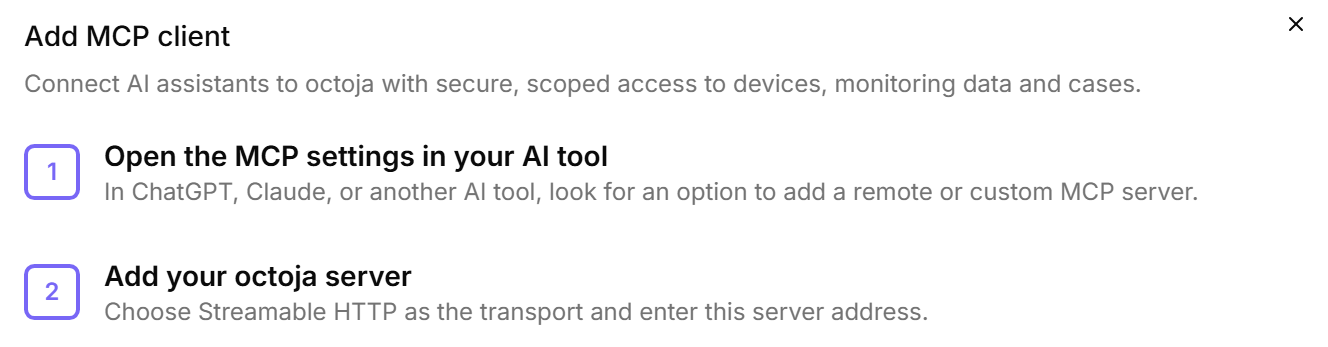
  • octoja MCP server for AI assistants — Connect compatible MCP clients under Settings → MCP Clients; existing administrator groups receive the required permission automatically during the upgrade.
    octoja MCP server for AI assistants
  • Remediate Lywand vulnerabilities across multiple devices — Run matching Winget or Chocolatey updates immediately or keep them as a permanent Update Only rule.
  • More automation capabilities — Automations can involve users and manage services, processes, local accounts, Registry values, maintenance mode, and cases.
  • Offer custom Windows packages through Software Kiosk
  • Use customer fields in checks and automations
  • Control support access for external users — Block cases and conversations without blocking help articles and release notes.

Improved

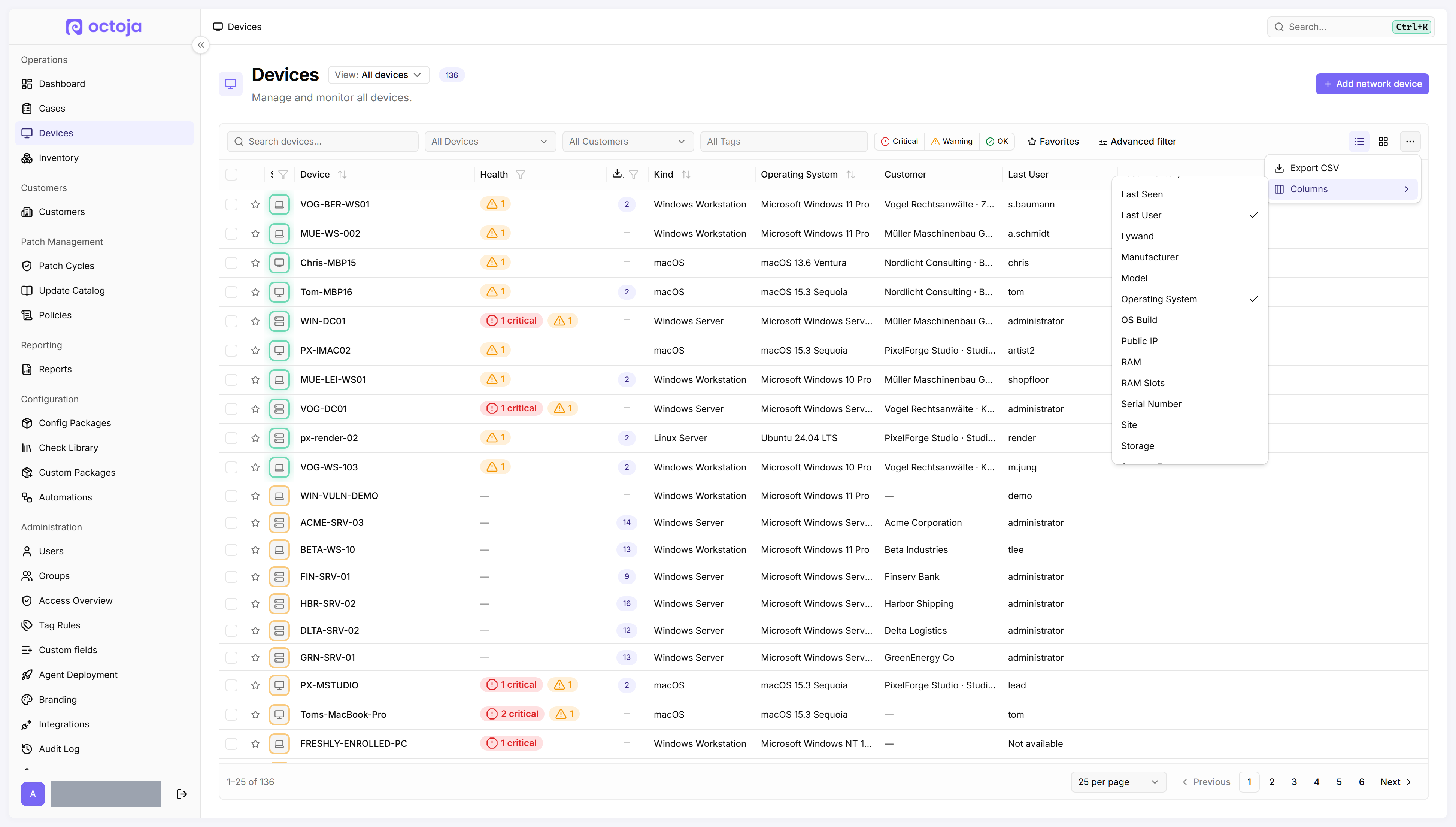
  • Filter and evaluate devices faster — New filters, custom-field columns, and direct inventory links shorten the path to the relevant device list.
    Filter and evaluate devices faster
  • Multi-select custom fields — Choose several values; tables and exports show every saved selection.
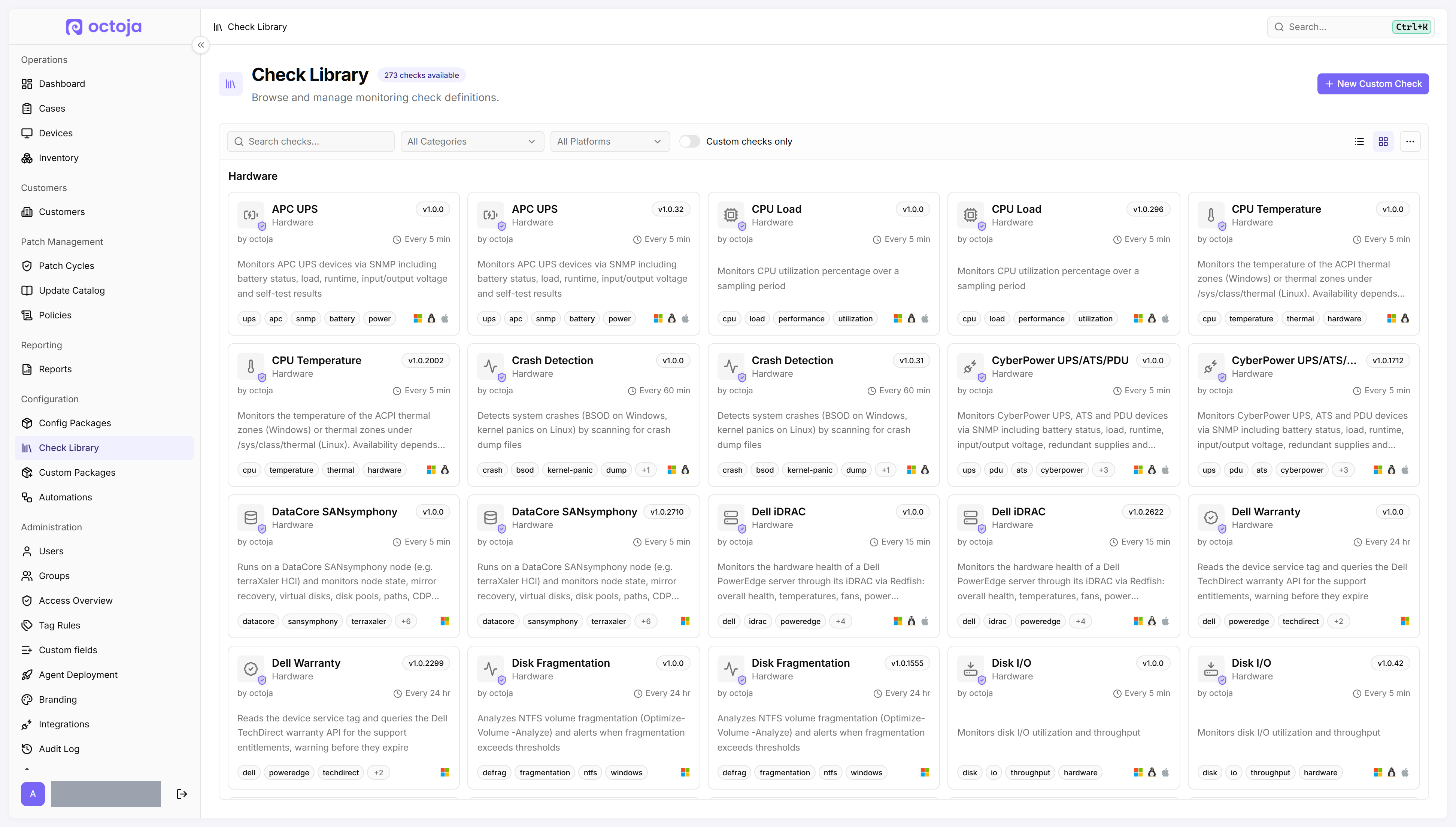
  • Manage custom checks directly in the Check Library — Preview different inputs without saving the check.
    Manage custom checks directly in the Check Library
  • More useful check results — Cases, Dashboard, and TV View show clearer results in the selected language.
  • View shared configurations with limited customer access — Relevant configuration packages, automations, and patch policies remain visible as read-only.
  • TANSS synchronization without a personal user account — A TANSS token is enough for device matching, and missing PCs can be created with their IP addresses.
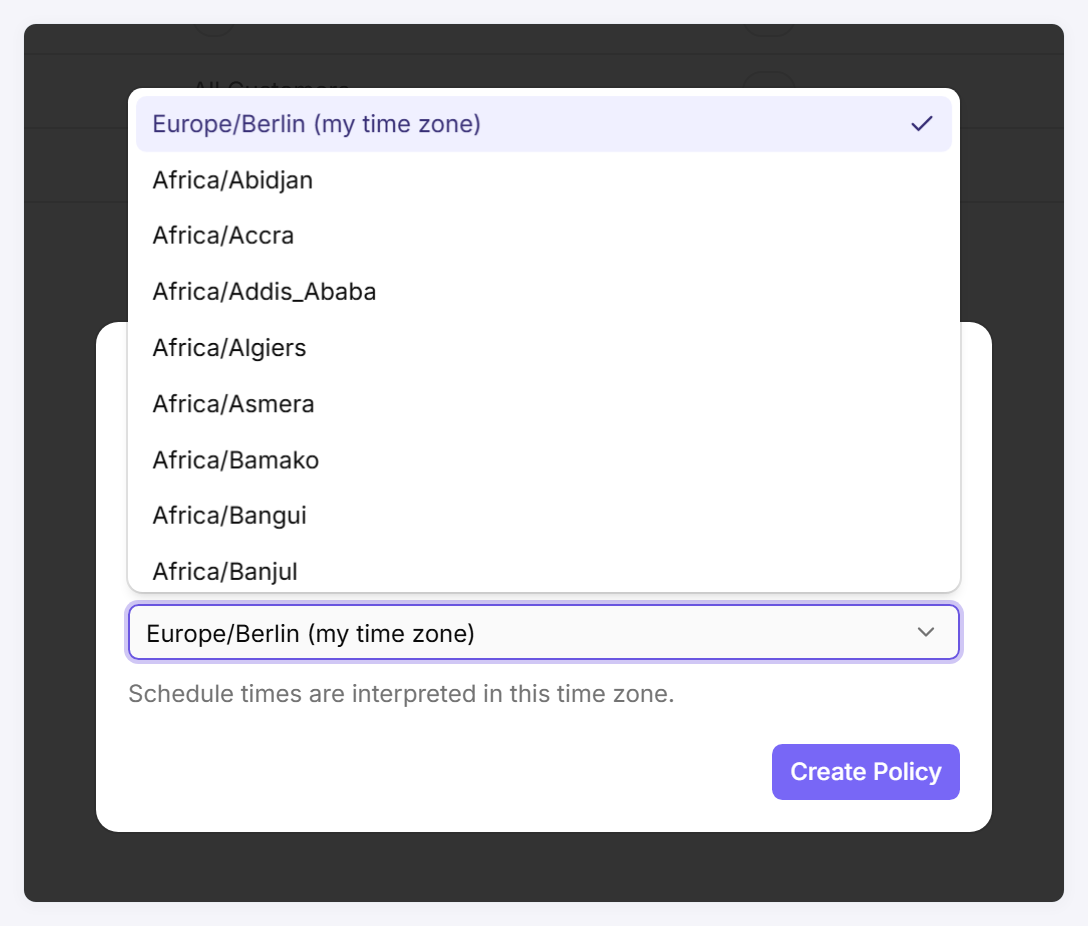
  • View and change schedule time zones — New schedules use the browser time zone.
    View and change schedule time zones
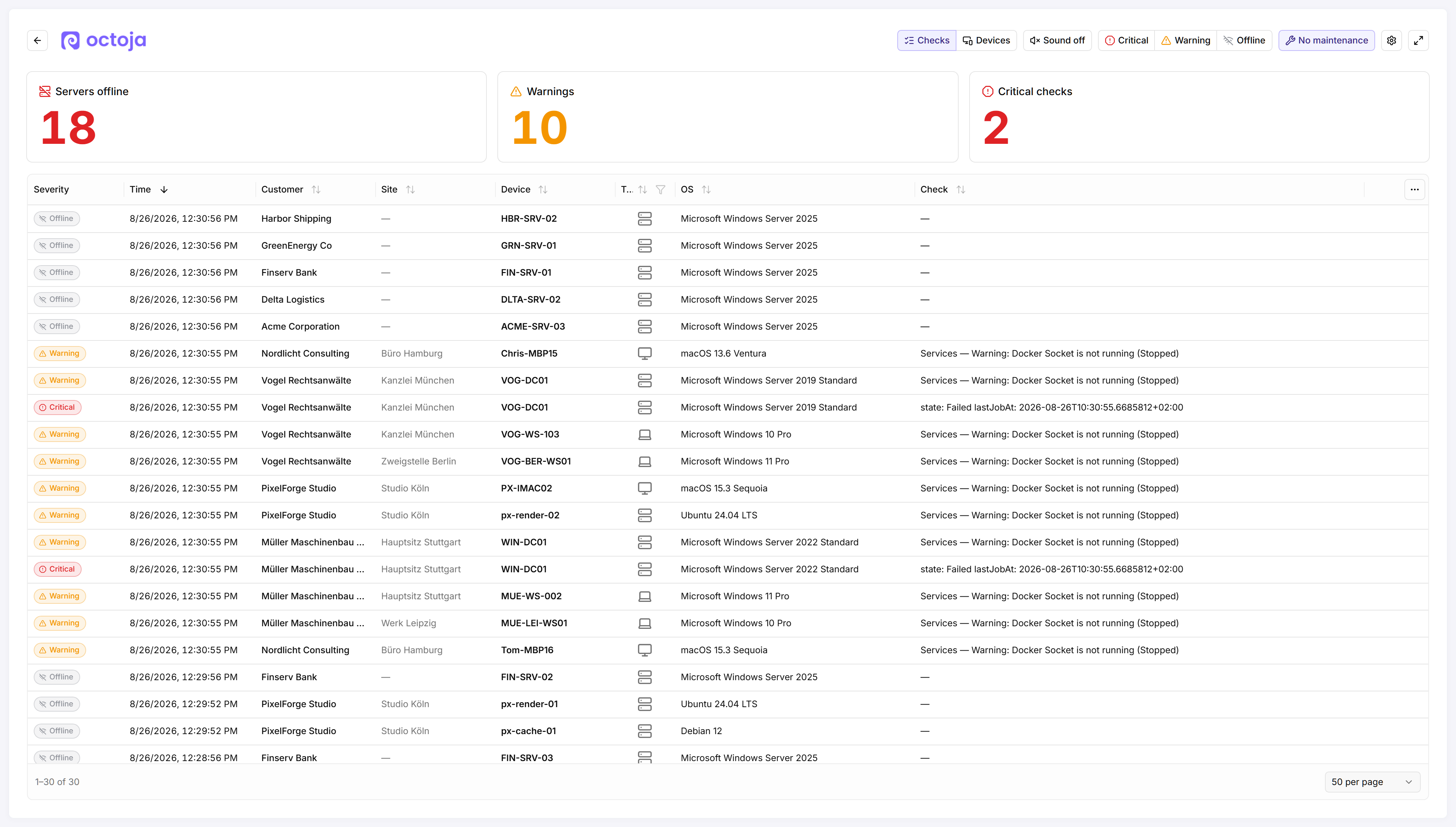
  • Hide devices in maintenance mode from TV View — No maintenance also removes them from totals.
    Hide devices in maintenance mode from TV View
  • Open network-device web interfaces reliably from octoja — Sign-in, navigation, and downloads work with modern web apps and in a separate tab.
  • Failover monitoring for agentless network devices — Configure an ordered list of monitoring devices that take over automatically when one becomes unavailable.
  • Remote Times reports show session notes — The per-session view includes the note recorded for each remote-support session.
  • More meaningful executive report — Patch status, antivirus, backups, and monitoring determine the score instead of a snapshot of reachable devices.

Fixed

  • Update All retains exclusions and minimum age
  • Approved patch cycles remain unchanged — New updates or revisions no longer reset approval or timing, or replace an existing selection.
  • The Mac agent stays usable after updates and wake-ups — A temporarily unavailable display no longer prevents startup.
  • Acronis loads deeply nested tenants
  • Custom-check history shows the correct status
  • Fewer false alerts after agent restarts — Transient check failures are reported only after they are confirmed again.
  • Bitdefender installs work with current vendor filenames
  • Authentication for external check repositories works again
  • Custom-field defaults work in automations — This also applies to existing customers and devices.
  • Manual automations respect customer access
  • Devices can be found by their displayed IP address
  • Event logs sort chronologically again
  • SNMPv3 settings persist through testing and editing
  • Agentless-device cases belong to the monitored device
  • OQL rules can be removed completely

Checks

  • New checks for Dell iDRAC, ZFS, DataCore SANsymphony, TR-064 gateways, Acronis Cyber Protect Cloud, and Software Allowlist — They monitor server hardware, storage, gateways, backups, and allowed software.
  • More accurate checks for OPNsense, printers, Windows Firewall, network interfaces, Windows services, and user accounts
  • More complete Windows update and ESU detection
  • More reliable backup and system checks for Veeam, Acronis, Hyper-V, and Securepoint
New

Earlier updates