octoja v1.0.918 — Group access, alerts, French & Dutch and more
Highlights
This is a major release spanning everything since v1.0.701. You can now control access through groups, get notified when a monitoring check keeps failing — by email, webhook, Microsoft Teams, Woasi or as a case in octoja — and patch your Macs alongside Windows. octoja now speaks French and Dutch as well as English and German, a new Inventory page searches and exports across your whole fleet, and five new built-in checks cover server hardware, Hyper-V hosts and three backup products. On top of that: bulk customer import, a clearer customer dashboard and customers overview, a searchable device logs tab, per-device alert overrides, a detailed patch report, and a long list of fixes across remote desktop, monitoring checks, uploads and the customer dashboard.
New
Group-based access control — You can now control what each team sees and does through groups. A group defines which customers its members can reach — everyone, a specific list, or by customer tag — and which devices and device actions they are allowed, so you can give a help-desk team read-only access to one customer's workstations without touching anyone else.

Alerts for your monitoring checks — You can now attach alert rules to a monitoring check in a configuration package and be notified when it keeps failing — by email, a webhook, Microsoft Teams, Woasi, or as a case in octoja. Each rule only fires when a check fails a set number of its last few runs, so a single blip does not wake you up.
French and Dutch language support — octoja is now available in French and Dutch as well as English and German. Both new languages appear automatically in the login and profile language switchers and cover the interface, the API and check results.

Search and export inventory across all your devices — A new Inventory page lets you search, filter and export your software, hardware and services across every device at once — a fleet-wide companion to each device's own inventory tab.

Five new built-in monitoring checks — Five new checks are available without writing a custom script: Fujitsu ServerView server hardware, Microsoft Hyper-V hosts, and backups from Altaro, Acronis and the Veeam Agent for Windows.
Patch management for macOS — macOS updates now flow through the same patch policies and cycles you already use for Windows. A single rollout can target a mixed fleet of Windows and Mac devices, and each machine only receives the updates meant for its operating system.

Import customers from CSV or Excel — A new Import customers action on the customers page lets you bring in many customers at once from a spreadsheet, mapping your columns — company name, reference, address and contact — to octoja's fields, so onboarding no longer means adding customers one by one.

Hardware inventory report widget — A new report widget lists one row per device and lets you pick exactly which hardware fields to include — from processor and memory to identity and storage. You can also set a report's page orientation to landscape so wide tables fit.
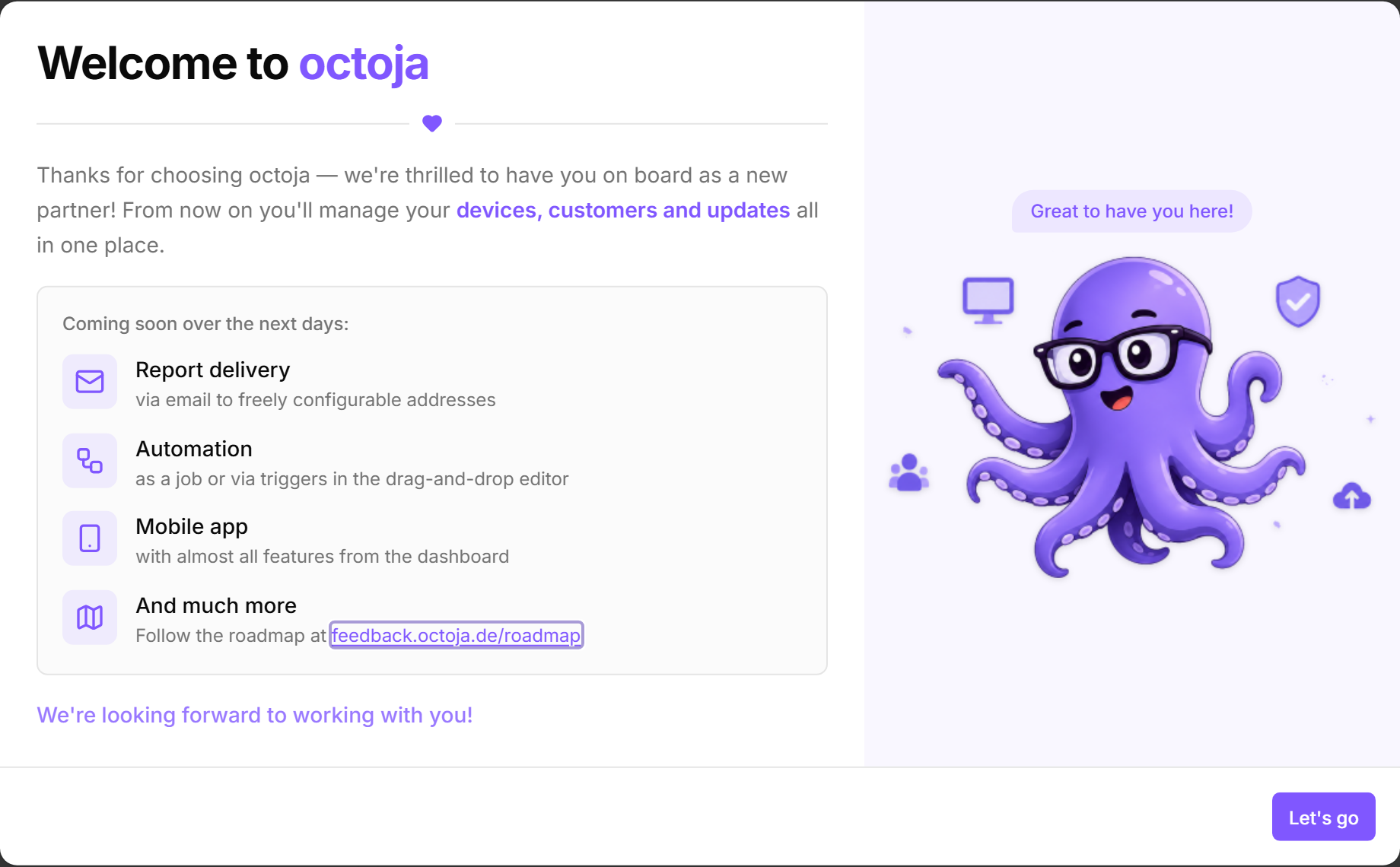
A welcome dialog for new users — New users now get a friendly welcome dialog on their first sign-in that introduces octoja and previews what is coming next.

Auto-lock a machine when a remote session ends — Remote desktop sessions can now lock the remote computer the moment you disconnect, so a workstation is never left unlocked after you finish working on it. The option is off by default and enabled per session.
Improved
Searchable, sortable customers overview — The customers page gains a search box, new Server and Workstation columns showing how many devices each customer has, and every column can be sorted — so a long customer list stays manageable.

A clearer, clickable customer dashboard — A customer's dashboard adds tiles for newly enrolled and currently offline devices, and the Warnings, Critical, Server and Workstation tiles are now clickable. Each one opens the device list pre-filtered to that customer and status, so you go from a number straight to the exact devices.

A searchable, sortable device logs tab — A device's Logs tab is now a proper paged table — sortable, searchable and filterable — instead of a flat, capped list, so finding a specific entry is much easier.

Per-device alert overrides — You can now give a single device its own alert configuration, or silence its alarms while the check keeps running, instead of sharing one configuration across every device a package targets. The alert editor also flags a channel that has been disabled, so alerts are not silently dropped.
A detailed patch report, plus date ranges for reports — A new Detailed Patch Report shows, per customer or site, which devices installed which patches and when, and which are still pending. Reports also gain a custom date-range selector.
More backup and firewall monitoring — The Veeam check is upgraded to Veeam Backup & Replication with richer job detail (existing assignments keep working), and the firewall check now monitors FortiGate appliances over SNMP for live metrics, not just reachability.
Sort the live process list by any column — The live processes view used to always sort by memory. You can now sort by any column in either direction, and the sorting happens on the device so even long process lists stay responsive.
A smarter check-type filter on the dashboard — The dashboard's check-type filter now reflects every check type in your fleet instead of only the ones on the current page, so picking a check type no longer makes the other options disappear.
Deploy Mac apps that ship as Homebrew casks — Software deployment now finds Homebrew casks, not just formulae, so graphical apps like Google Chrome, Slack and Visual Studio Code show up in the package catalog and can be rolled out to your Macs.
Easier mass-deployment through group policy — The group-policy rollout now gives you a ready-made transform file that carries your instance address and token, plus corrected step-by-step instructions, so deploying the agent to many machines via group policy works the way the guide says.
Better support for older and lower-spec Windows machines — The quick-install script now runs reliably on Windows Server 2012 R2 and other older Windows versions. Separately, remote desktop now connects to machines with very few processor cores instead of failing immediately.
Fixed
Accurate alarm history on the customer dashboard — The customer dashboard's alarm history counted every check run rather than distinct alarms, so a single all-day alarm could inflate a day's total into the hundreds. It now counts actual alarms, and the tile layout is tidier.
Devices no longer get stuck showing offline — A device could occasionally show offline for hours while it was actually online, when its connection attempt was silently dropped by the network. The agent now detects a stalled connection and retries instead of waiting forever.
Clearer Windows Update check failures — The Windows Update check could show a red Failed status next to “No pending updates” — two contradictory messages — when it had actually crashed. It now reports the real reason it failed.
Large file uploads no longer crash — Uploading a multi-gigabyte file through the file explorer could fail partway through. Uploads now flow in a controlled way and complete reliably.
A batch of custom-check fixes — Several fixes for custom checks: corrected Warning and Critical status guidance, multi-line script output handled properly, stable input ordering, a scrollable check dialog, and SNMP probes no longer reject an OID because of stray whitespace.
Remote desktop no longer zooms in on high-DPI screens — On some machines a remote desktop session appeared zoomed in and cropped to the top-left corner. The picture now fills the screen correctly.
A more reliable clock-sync check — When the clock-sync check could not reach a time server, it used to show a misleading result with a bogus timestamp. It now reports a clear error, and the time offset is calculated correctly.
The Update button works in the software dialog — On a device's software dialog, clicking Update for a winget or Chocolatey package sometimes did nothing. The update now runs and reports its result.
No false antivirus alerts right after a reboot — The antivirus check could briefly report Critical right after a machine powered on, even though protection was fine. It now waits for antivirus to settle before judging.
Ignored Lywand vulnerabilities no longer count toward your score — Marking a vulnerability as ignored in Lywand now actually removes it from your octoja security score and report figures, instead of being dropped before it reached octoja.